PROBLEM
Sometimes, you may wish to hide the individual results of a vote initially, and reveal the results manually using CTRL + G.
SOLUTION
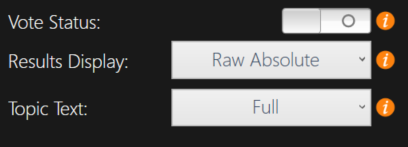
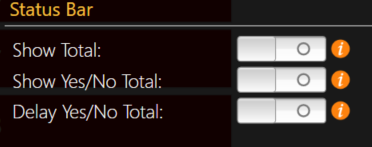
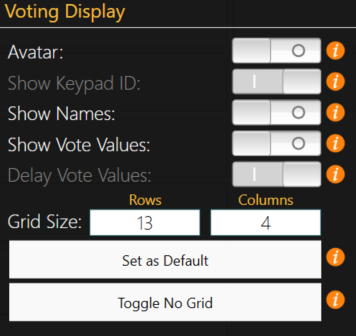
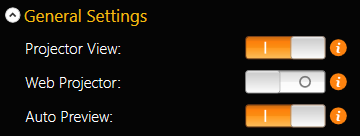
In order to display the individual voting results manually, you must first choose not to display the results automatically. Start by creating your agenda item to vote on. You can show the results manually in Participant Grid and Answer Grid layouts. Once you have created the agenda item, navigate to the Settings Panel. If you need a refresher, you may reference this article on how to access the Settings Panel in TownVOTE. Once you are in the Settings Panel, you may choose not to show the results of vote automatically by deselecting the Vote Status toggle. You also want to deselect the totals shown from the status bar to hide the totals and subtotals as they come in. If you are using the Participant Grid, you will also want to make sure that the vote values are hidden by deselecting the Show Vote Values toggle. Deselecting the Auto Preview toggle ensures that the results of the vote will not be shown automatically after you close the vote, but with another, separate manual click of the Review button on the Action Bar.
VOTE STATUS
STATUS BAR
VOTING DISPLAY
AUTO PREVIEW MODE
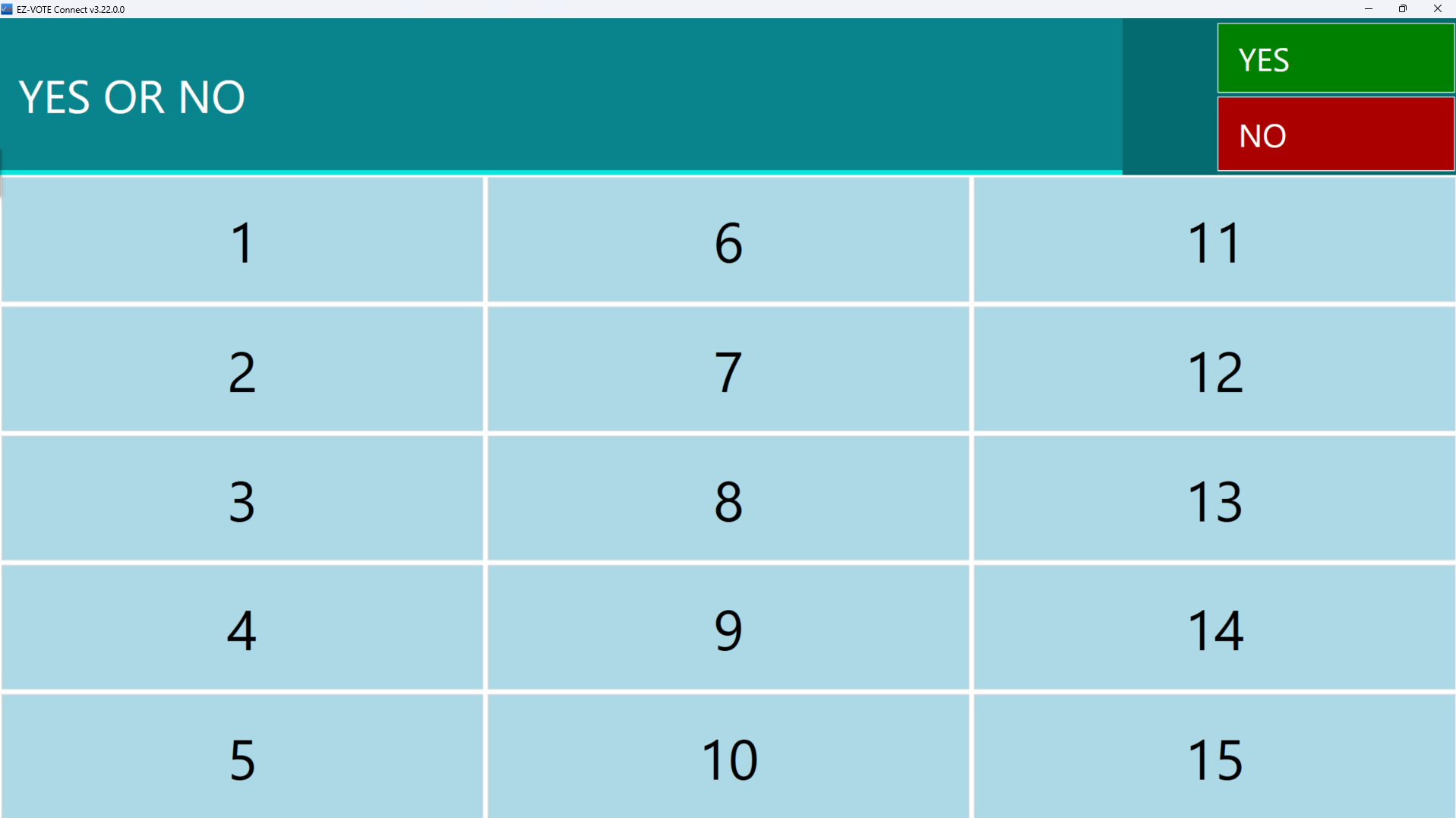
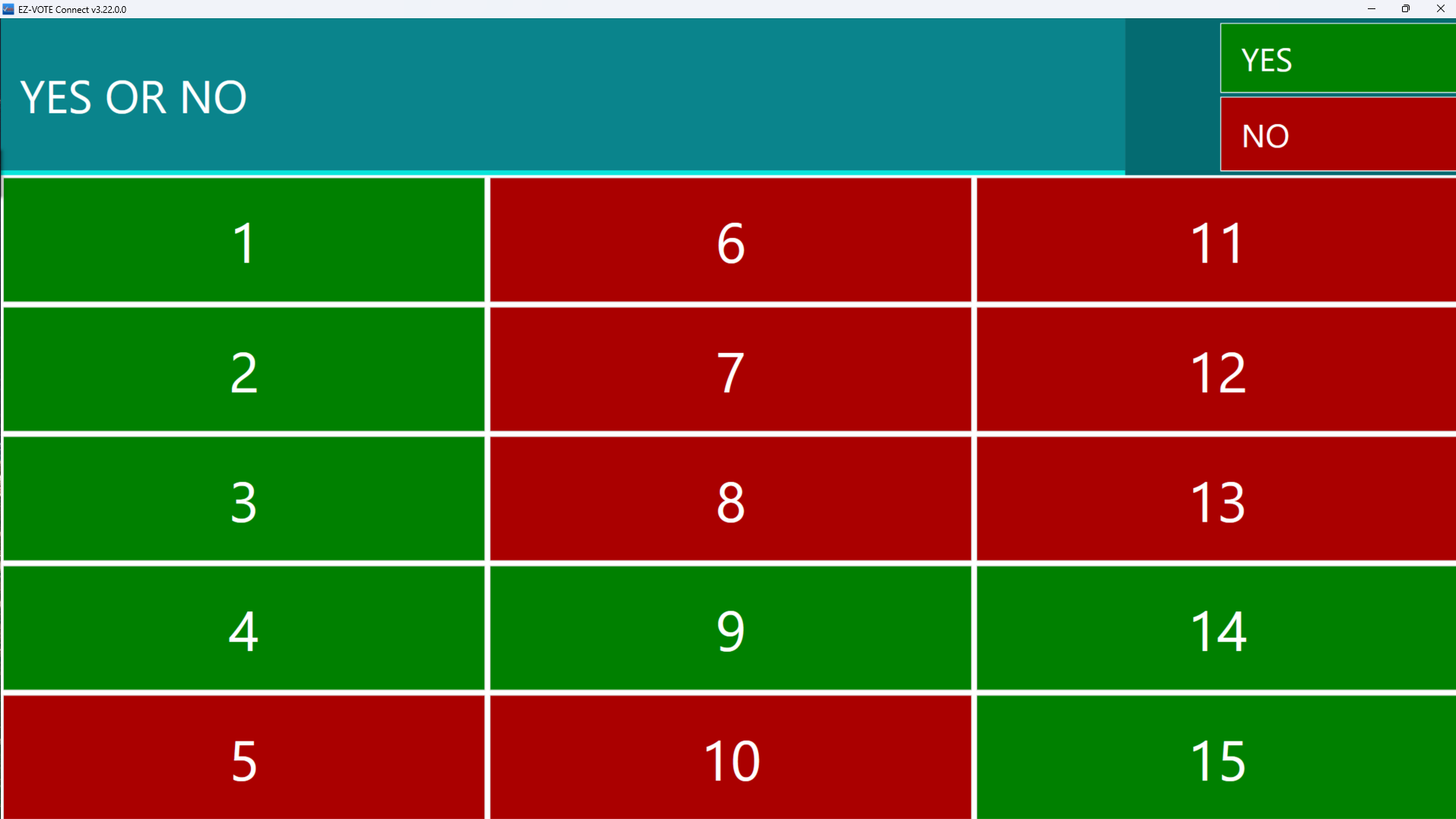
Now that the results are hidden upon the closing of the vote, we can start the vote. You will notice that after you close the vote, the results are not displayed on the screen. We can now display the results by pressing the Control key plus the G key together. Doing so will show the results of each individual voter in participant grid mode, or the number of votes per answer choice in answer grid mode.
PARTICIPANT GRID
BEFORE
AFTER
ANSWER GRID
BEFORE
 AFTER
AFTER

RELATED ARTICLES
How to Access the Settings Panel in TownVOTE
Helpful Windows Keyboard Shortcuts
Was this article helpful? Please leave your feedback below.
Was this article helpful?
That’s Great!
Thank you for your feedback
Sorry! We couldn't be helpful
Thank you for your feedback
Feedback sent
We appreciate your effort and will try to fix the article