PROBLEM
You forgot your password to your CloudVOTE account login.
SOLUTION
There are two was to reset your password. From the CloudVOTE login page, you can click the link that says, "Forgot login information?" shown below. Following this link will take you to a page which prompts you to enter your email address associated with your CloudVOTE account. After you enter your email address, you will receive a link to that email which transports you to a webpage where you can change your password. The easiest way to reset your password is to follow the link www.meridia.vote/reset.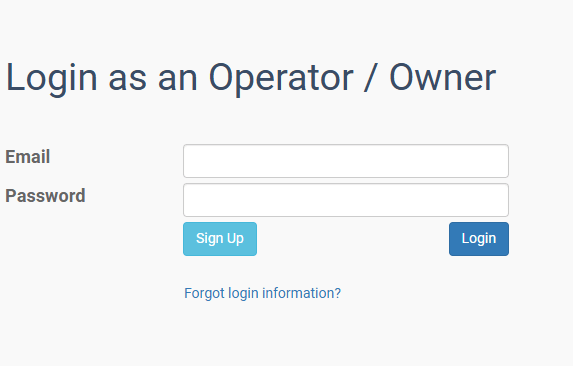
Was this article helpful? Please leave your feedback below.
Was this article helpful?
That’s Great!
Thank you for your feedback
Sorry! We couldn't be helpful
Thank you for your feedback
Feedback sent
We appreciate your effort and will try to fix the article