PROBLEM
It may be helpful to create a test vote, to validate that all of the keypads are working. Note that this solution only works on EZ-VOTE 5 and EZ-VOTE 10 keypad models.
SOLUTION
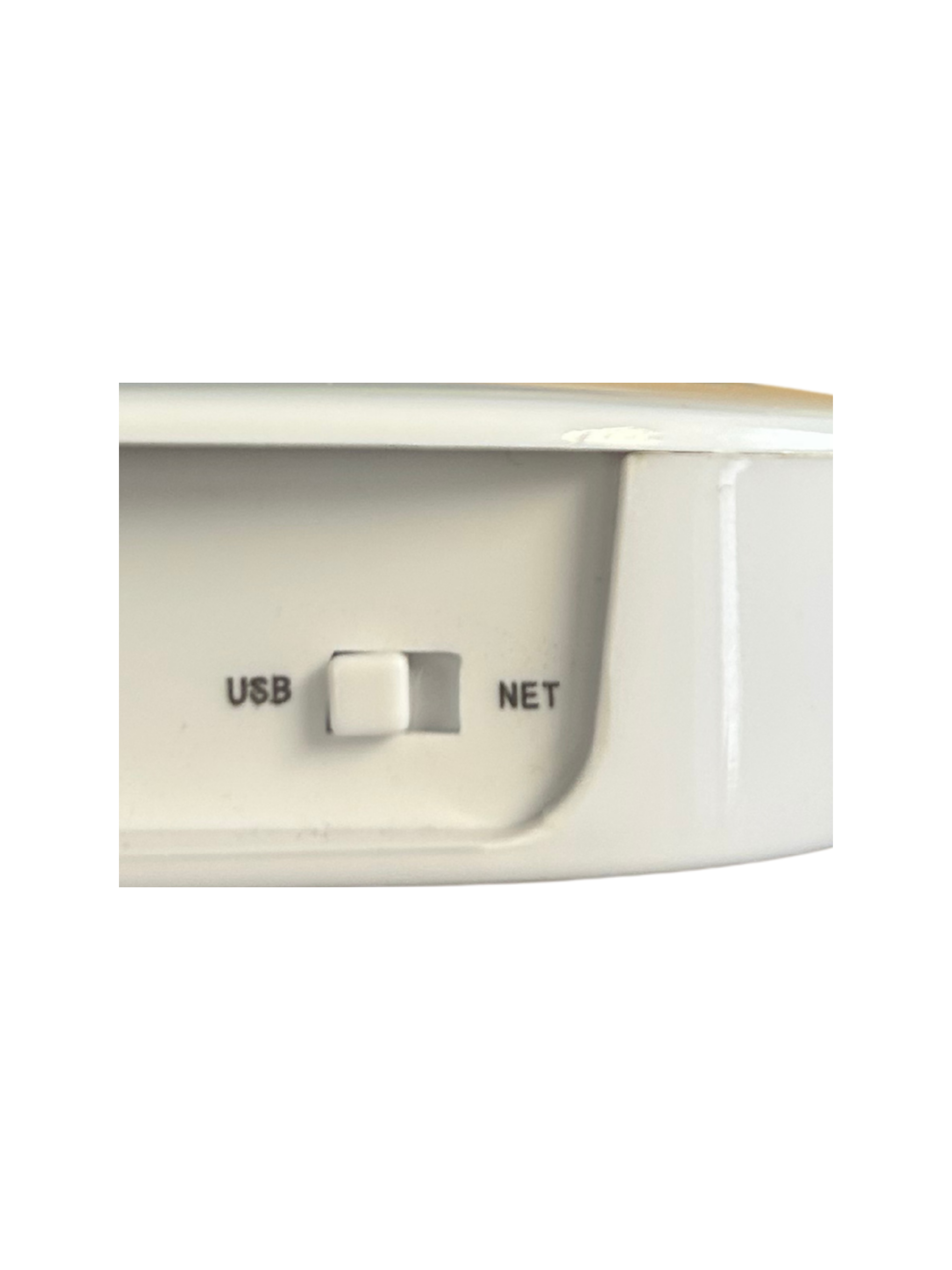
When you are ready to create the test, open your toolkit application. If you do not have access to the toolkit app, send an email to support@meridia.vote and we will provide you access. Select the connect icon from the base connection on the left side to connect to your receiver. Make sure that you have selected the correct mode (USB or Ethernet) on the toolkit app as well as the physical switch on the back of the receiver. If you are experiencing issues when attempting to connect your base, you may want to refer to this article.
RECEIVER SWITCH
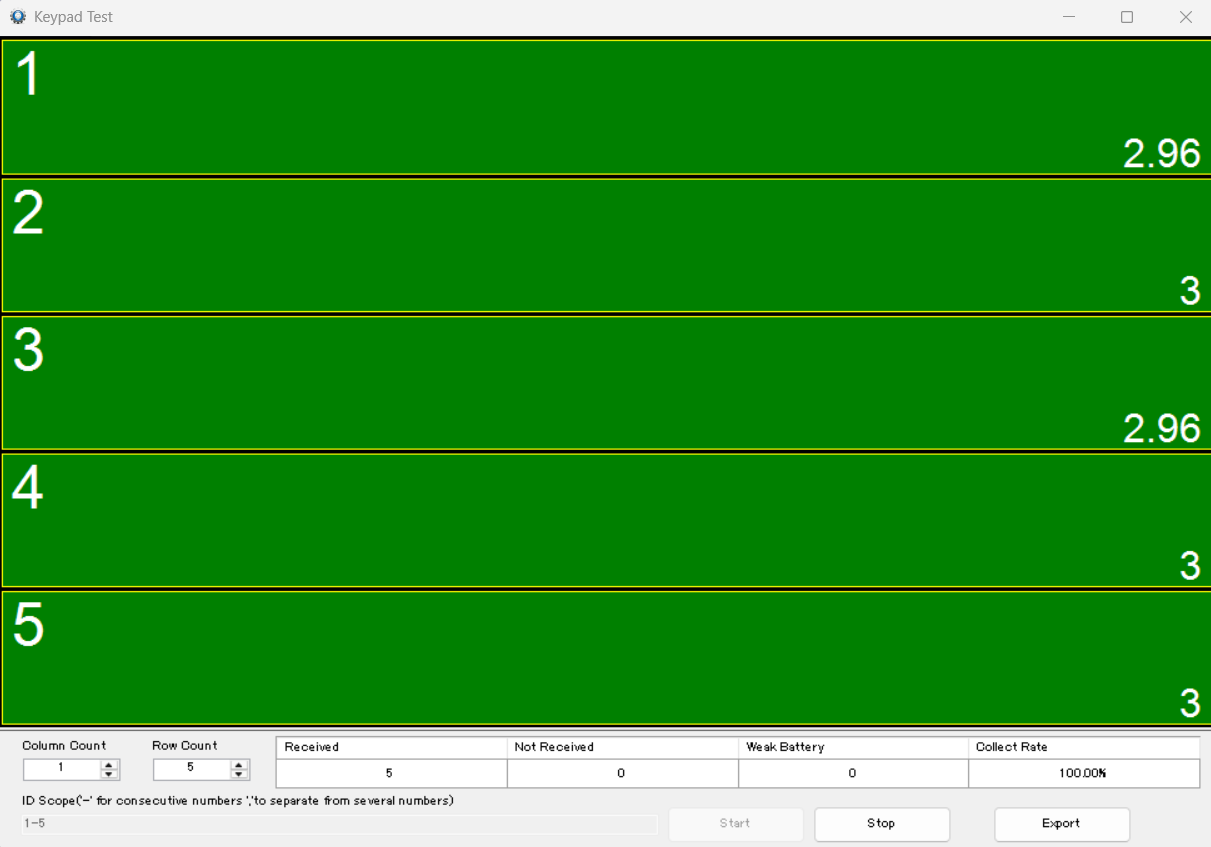
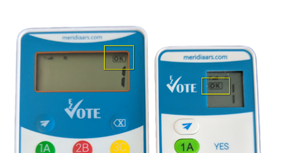
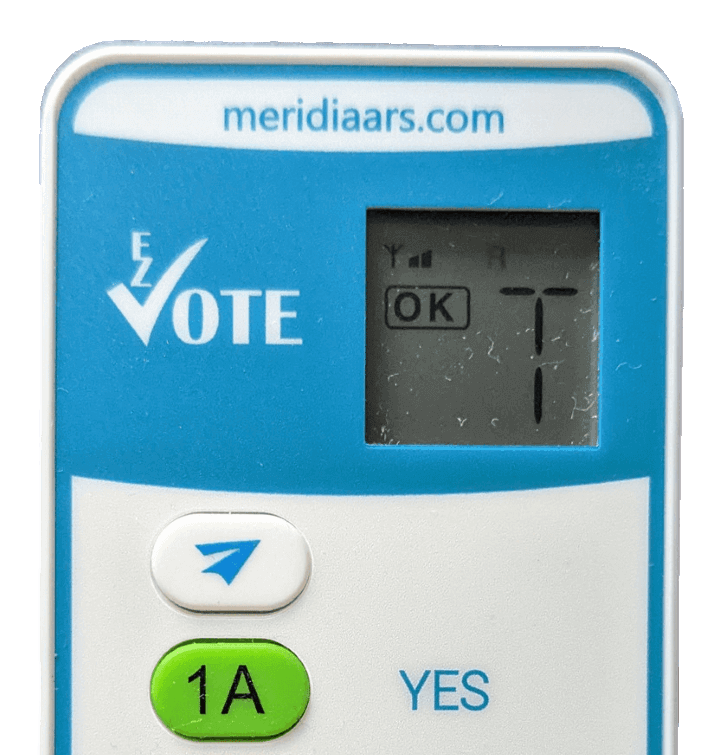
After successfully connecting to your base, navigate to the "Keypad Test" tab on the right side. This will bring up a new, scalable window showing keypad ID numbers on a grid. You may adjust the keypad IDs shown on the grid by adjusting the ID scope in the bottom left, as well as the column count and row count. I have adjusted my grid to test keypads 1 through 5 by making the ID scope 1 through five, the column count 1, and the row count 5. Now that my grid is set up, I will press the start button to start pressing the keypads. Now, after pressing any button on the keypad to wake them up, they are illuminated green on the grid, and the keypads display an "OK" as well as a "T" on 5 button models. Green means that the keypads are working successfully while a red indicator shows keypads with weak batteries. My successful test window can be seen below.
KEYPAD TEST WINDOW
KEYPAD DISPLAY
YOUTUBE TUTORIAL

RELATED ARTICLES
Base Connection Issues in Toolkit app
How to Create a Test Vote in TownVOTE
How to Create a Test Your Keypads in EZ-VOTE Connect
Was this article helpful? Please leave your feedback below.
Was this article helpful?
That’s Great!
Thank you for your feedback
Sorry! We couldn't be helpful
Thank you for your feedback
Feedback sent
We appreciate your effort and will try to fix the article